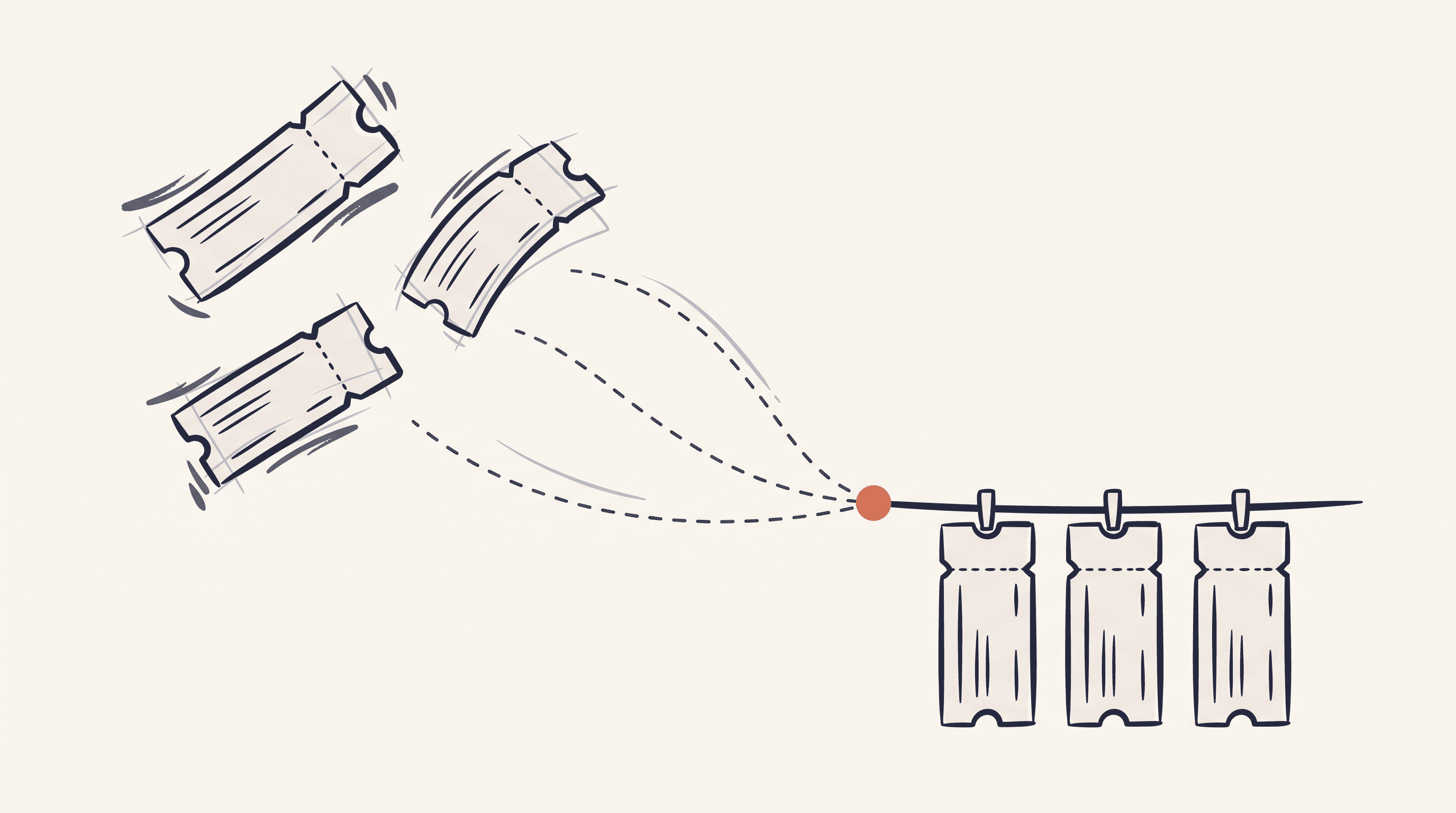
You don't book a trip. You book pieces of one. The flight in January, when the fare looked good. The hotel three weeks later. A second hotel when you decide Kyoto deserves its own nights, then a rental car, then a train ticket someone told you to buy early. Each piece lands in your inbox as its own confirmation email, and none of them know the others exist.
The trip exists in your head. Everywhere else, it's six emails across five booking sites.
The week-before scramble
Most people rediscover their own itinerary the week before departure. You search your inbox for "confirmation", open eleven emails to find six, and start cross-checking dates by hand. Does the car pickup line up with the train arrival? What did you actually book for the night of the 12th?
Two mistakes hide well in a pile of confirmation emails:
The gap night. Your first hotel ends on the 10th. Your next one starts on the 11th. Nobody planned a night in between — it just happened, three weeks apart, on two different websites. You find out at 11pm in a city where everything decent is sold out.
The double-booked night. The opposite problem. You moved the Kyoto stay earlier but never trimmed the Tokyo one, and now you're paying for two rooms on the same night. If you catch it before the cancellation deadline, it's a free fix. If you don't, it's a donation.
Neither mistake shows up in an inbox search. Put the same bookings on a calendar and the empty night jumps out before you've finished scrolling.
Your bookings already live in one place
If you forward your confirmation emails to StayHawk (or import them with the Chrome extension), every booking already sits in one dashboard — hotels, flights, trains, car rentals, and activities side by side, each with its own cancellation deadline tracked.
Hotel & Spa Le Germain
The Hoxton, Portland
Switch tabs to see how flights, trains, car rentals, and hotels appear in the same dashboard
That list answers one question well: what needs attention right now? It sorts by urgency, so the deadline closing in two days sits on top.
But a list can't show you the shape of a journey. For that you need the bookings on a shared axis: time.
Name a trip, pick the bookings
On the Timeline page, you build a trip in three steps: give it a name, tick the bookings that belong to it, save. That's the whole flow. Picked the wrong booking? There's an undo right in the confirmation banner.
Behind the scenes a trip is just a label on each booking, which keeps things flexible — the same flight can belong to "Japan, cherry blossom" and to "Q2 travel" at the same time. A booking can carry up to five labels.
The timeline
Here's what a trip looks like once it's built:
Japan, cherry blossom
Apr 6 – 15, 2026 · 9 nights · 3 destinations
A trip card on the Timeline page. Each booking is a bar — the two hotel stays share the night of April 10, so both carry an overlap flag.
Every booking becomes a bar. Hotels stretch across their nights, flights and trains sit on their travel day, the rental car spans pickup to return. Weekends are shaded, and each booking type keeps its own colour so you can read the composition at a glance.
Look at the two hotel bars. They both cover the night of April 10 — the double-booked night from earlier. StayHawk checks accommodation dates automatically and puts an overlap flag on both bookings, so the mistake surfaces the day you build the trip, not the day you check in. Gaps are the reverse: a night with no bar under it means nobody booked you a bed.
The card header does the arithmetic you'd otherwise do on a napkin: date range, nights, destinations, and the trip value — everything you've committed across all six bookings, converted to your home currency.
What the trip page adds
Each trip card links to its own page, which answers the question that comes after "does the itinerary hold together": what is this trip actually costing?
The trip page splits the total by category, so you can see that hotels are eating two-thirds of the budget before you argue about anything else. You can attach expenses that aren't bookings at all, like a restaurant deposit or park permits, and they roll into the trip value.
Japan, cherry blossom
6 bookings + 2 expenses · shown in GBP
- Hotels2 bookings66%£1,410
- Flights2 bookings18%£380
- Car rental1 booking7%£150
- Trains1 booking3%£75
- Restaurant deposit¥16,000 → £86£86
- Park permits¥6,300 → £34£34
Hotels take two-thirds of this trip. Expenses attach to the trip, not to any booking — they roll into the total the moment you add them.
The cost section of a trip page. Six bookings split by category, two attached expenses, everything converted to your home currency.
Documents live on the trip page too: your booking attachments in one place, plus a checklist of what's worth uploading based on what the trip contains. A trip with a rental car suggests the rental agreement; one with flights suggests the confirmations; travel insurance is always on the list.
Your alerts don't change
A trip is a view, not a new thing to maintain. Cancellation deadline alerts and daily price monitoring keep running per booking, exactly as before. The deadline reminder for the Kyoto hotel fires whether or not that hotel is in a trip. Grouping just means that when an alert does arrive, you can see what it touches — cancel this hotel and the timeline shows you what's left around it.
Try it on your next trip
The Timeline is part of StayHawk Pro (£79/year, or £9/month), alongside price monitoring and support for flights, trains, car rentals, and activities — on our own Canada trip, tours and tickets made up nearly half the bookings.
If you'd rather feel the product out first, the free plan tracks 5 hotel bookings with deadline alerts — no credit card required. Forward a confirmation email and see how the dashboard handles it. Then, when you're ready to see a whole journey on one timeline, that's Pro.