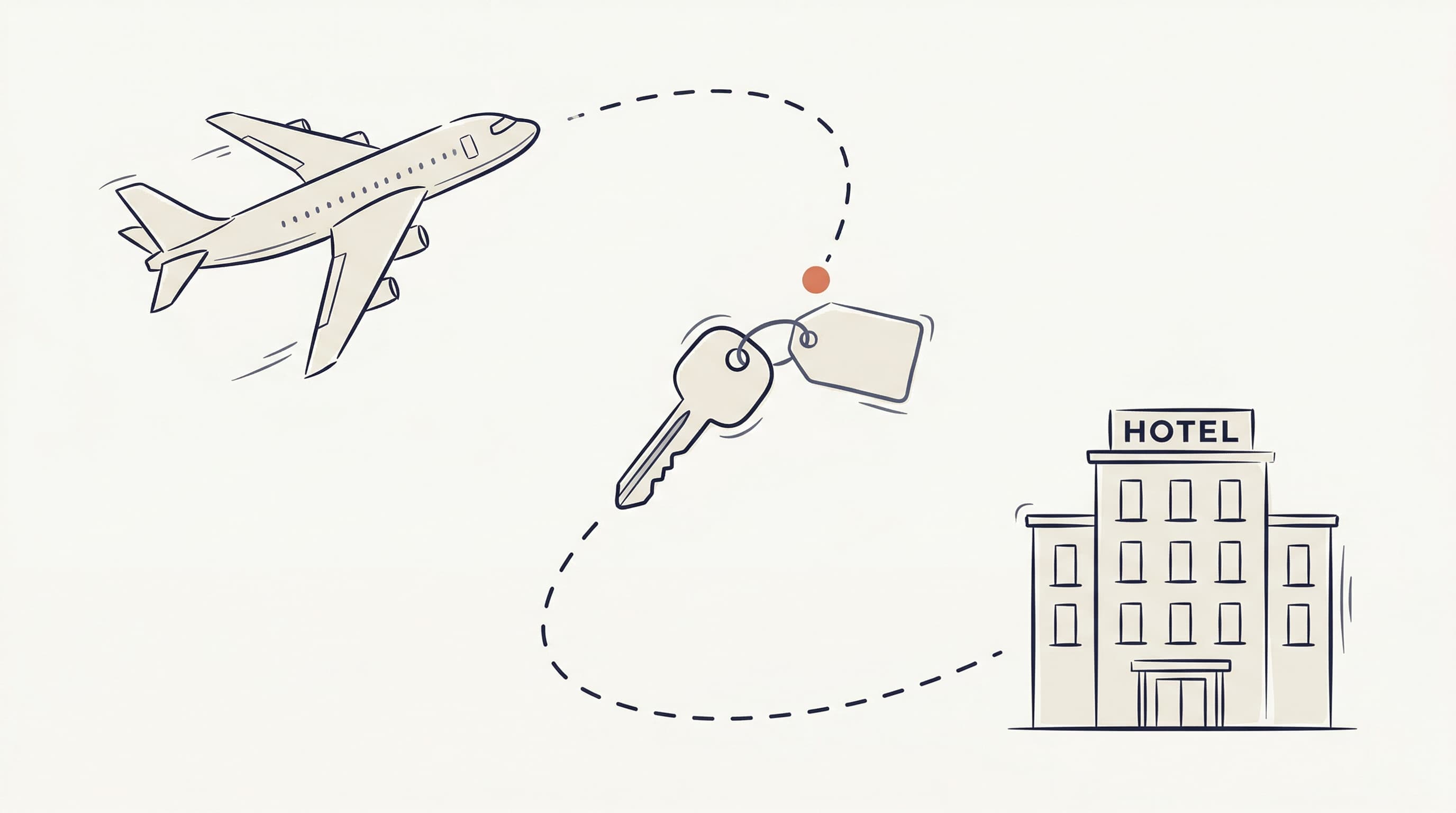
You booked the hotel. Then the flight. Then the rental car. Now you have three confirmation emails from three platforms, each with its own cancellation policy and its own deadline buried somewhere in the fine print.
Most people deal with this through some combination of memory and calendar reminders. It works right up until a deadline slips by while you're busy with something else.
Bookings are scattered by default
A typical trip generates at least three bookings. A family vacation or multi-city itinerary can easily hit six or seven, and each one lives somewhere different:
- Your hotel is on Booking.com with free cancellation until April 15
- Your flight is through the airline's website, changeable until 24 hours before departure
- Your car rental is on a comparison site with a cancellation window you can't quite remember
The deadlines don't match. The policies don't match. The emails don't even look the same. And none of these platforms know about each other.
So you're left with two options: spend time manually tracking everything, or accept that you'll probably miss something eventually.
What "managing" bookings actually looks like
When I think about what people actually need from their travel bookings after they've booked, it really comes down to visibility. Which bookings are active, what are the dates, and what did I pay? When bookings are spread across five platforms, even that basic picture takes work.
Then there are deadlines. Free cancellation is great, but a refundable flight you forgot to cancel costs exactly the same as a non-refundable one. The policy only matters if you act before it expires.
And timing. Whether it's a cancellation window closing or a schedule conflict, you need to know before the decision gets made for you.
Flights and car rentals now live alongside hotels
StayHawk now tracks flights and car rentals in the same dashboard as hotels. Forward a confirmation email from an airline, a rental company, or a hotel, and the details get pulled out automatically.
For flights, that includes airline, flight number, route, departure and arrival times with timezone, cabin class, passenger count, and cancellation deadline when one exists.
For car rentals: rental company, car category, pickup and dropoff locations and times, driver name, and cancellation deadline.
Hotels work the same as before, with booking details, cancellation deadlines, and daily price monitoring.
Everything shows up in a single view, sorted by what needs attention first. No switching between apps. No digging through old emails.
Hotel & Spa Le Germain
The Hoxton, Portland
Switch tabs to see how flights, trains, car rentals, and hotels appear in the same dashboard
Why there's no price monitoring on flights and car rentals (yet)
We want to be upfront about this. Hotels have mature price comparison data. You can check what a room costs today versus what you paid, across multiple platforms, and decide whether to rebook. StayHawk does this daily.
Flights and car rentals are messier. A "cheaper" flight might have different layovers, departure times, or baggage rules. A lower car rental rate might come with different insurance terms. Comparing prices in a way that's actually useful is harder than it looks.
So for now, StayHawk focuses on what matters most for these booking types: keeping every deadline visible. Cancellation policies on flights and rental cars are easy to miss and expensive to forget. Having them tracked automatically, right next to your hotel deadlines, fills the biggest blind spot in how most people manage trips.
How it works
Same process for every booking type:
- Forward your confirmation email to inbox@stayhawk.app from the email you signed up with
- The email gets parsed and booking details get extracted
- Your dashboard shows everything sorted by urgency
No manual entry. The parser handles confirmations from airlines, rental companies, and hotels. If there's a cancellation deadline in the email, it gets picked up automatically.
One thing to note: flight and car rental tracking requires the Pro plan. Hotel tracking, including deadline alerts and price monitoring, works on every plan including the free tier.
Where this makes the biggest difference
Multi-city trips are the obvious one. Three cities might mean three hotels, two or three flights, and a rental car or two. That's seven or eight bookings with different deadlines. Seeing them all ranked by urgency makes the whole thing manageable.
Group travel is another. Booking for a family means the number of reservations multiplies fast. Knowing which ones are still changeable, and until when, is the difference between having options and being locked in.
If you travel frequently and have five or six trips booked at any given time, you're looking at twenty-plus active bookings. Nobody can track that by memory.
And if you're a travel agent managing client bookings across trip types, a single workspace that covers flights, cars, and hotels means fewer tools and fewer things slipping through.
What you can do about it
If you're already using StayHawk for hotels, start forwarding your flight and car rental confirmations too. They'll show up in your existing dashboard, sorted right alongside your hotel bookings.
If you're currently managing all of this through email and calendar reminders, a single dashboard might save you the cost of a missed deadline. Which, if you've ever missed one, you know is not a small number.