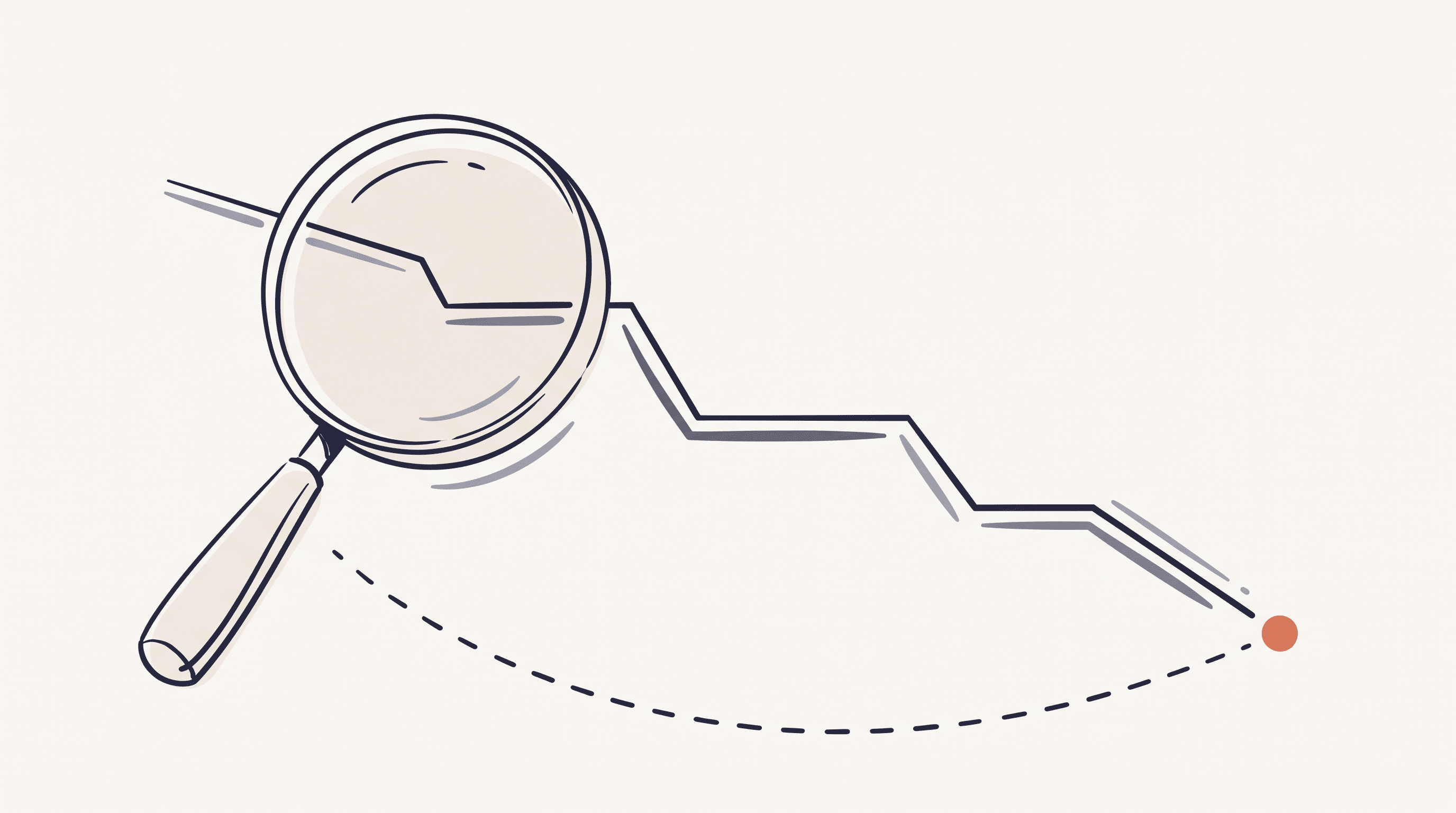
Hotel prices move. A room can cost one thing this morning and something else by tonight, then shift again next week. Hotels reprice constantly as demand rises and falls, and now that most of them lean on automated pricing engines, the swings only get bigger.
So if you want to pay less, timing matters. Tracking hotel prices means watching a specific hotel and date range over time instead of checking once and hoping you caught a good moment. There are two moments where it pays off: before you book, and after.
Most people only think about the first one.
What "tracking hotel prices" means
Tracking just means watching the same hotel and dates over days or weeks, and getting told when something changes. You're not committing to anything by keeping an eye on a price — you're gathering enough information to act at a good moment instead of guessing.
There are two windows where that information is worth money:
- Before you book. You've picked a hotel but haven't paid yet. Tracking tells you whether to book now or wait a few days for a better rate.
- After you book. You've paid, and with the trip still weeks off you've stopped looking. This is where most of the savings hide, because almost nobody checks.
The tools and the payoff are different for each. Here's how both work.
Why hotel prices move so much
A hotel doesn't set one price for a room and leave it there. It reprices the same room over and over — sometimes several times in a single day — chasing whatever it reckons that night is worth. So the same room ends up selling for wildly different amounts depending on demand, and demand never sits still.
A few things push the price around:
- Occupancy forecasts. A big group booking cancels, projected occupancy drops, and the hotel discounts to fill rooms.
- Events. A conference lands (or gets moved), and rates for those nights swing.
- How far out check-in is. Rates often soften as a date approaches and the hotel would rather sell a room cheap than leave it empty.
- The competition. Hotels watch each other's rates and adjust in near real time.
We break the mechanics down in full here: why hotel prices drop after you book. The gist is that the price you saw was really just a snapshot in time.
Tracking before you book
Before you've committed, tracking is about timing. You've found a hotel you like, but you're not sure today's price is a good one.
The simplest free option is Google Hotels. Search your hotel and dates, then toggle "Track prices" on. Google emails you when rates change across the sites it checks. It's fast to set up and costs nothing.
Worth knowing: this is search-level tracking. Google is watching the hotel-and-date combination rather than a booking, since you haven't made one yet — which is exactly what you want at this stage. You're still deciding whether to commit, and Google is telling you whether waiting a few days might pay off.
Here's what watching a single hotel's rate over a month actually looks like:
A $220 nightly rate tracked for 30 days between booking and check-in — the same room dipped to $145
The line wanders around. There isn't really one "price" so much as a range, with a few better moments scattered inside it. Tracking is how you spot that pattern instead of landing on one random data point.
Tracking after you book (the part people skip)
This is the window almost everyone misses. You booked, you closed the tab, and as far as most people are concerned that's the end of it.
It doesn't have to be. If your rate is refundable, the price can keep falling right up until check-in, and you can cancel the original and rebook at the lower rate. Plenty of bookings see a price drop at some point after booking, and a successful rebook can save enough to make the effort worth it.
But catching it takes two things:
- You have to notice the price dropped.
- You have to act before your cancellation deadline closes.
The second part is where it usually falls apart. A price drop you notice the day after your refundable window closed doesn't do you any good. So tracking after you book is really two jobs at once: watching the price and watching the clock.
Google Hotels doesn't help here. It doesn't know what you paid or when your cancellation deadline falls, and it can't tell you whether a cheaper rate is even on a refundable room. It's built for the before-you-book search, not your specific reservation.
This is where dedicated tools come in. You forward your confirmation email, they read out the hotel, dates, rate, and cancellation deadline, and they check the price every day until you check in. When a cheaper refundable rate shows up, you get an alert like this:
 StayHawk
Price dropped on your Hotel Le Germain booking
Montreal · Apr 18 – Apr 21 · 3 nights
You paid
CA$220/night
Refundable rate
CA$145/night
Your current booking is still cancellable until Apr 16.
What a StayHawk price drop alert looks like when a cheaper refundable rate appears
An alert only helps if it reaches you while there's still time to act on it. A price drop paired with a closing deadline is the combination actually worth paying attention to.
How to set up hotel price tracking
Your options, roughly in order of effort:
- Google Hotels "Track prices" — free, 30 seconds, best for the before-you-book decision. Doesn't know your booking.
- A calendar reminder — set an alert a few days before your cancellation deadline, then check the price manually. Free, and fine for one or two trips a year. It breaks down fast once you're juggling several bookings, because you're checking once instead of daily.
- A dedicated post-booking tracker — forward your confirmation and let it check daily until check-in. Worth it if you book more than a handful of hotels a year.
We compared the specific after-booking tools — Google Hotels, Pruvo, browser extensions, and StayHawk — side by side in how to automatically track hotel prices after booking. If you already know you want to automate the post-booking part, start there.
What to do when the price drops
Tracking is only half of it. The point is to act. When a lower refundable rate shows up, the move is simple:
- Confirm the new rate is refundable and matches your room and dates.
- Check that your original booking's cancellation window is still open.
- Book the new rate, then cancel the old one — in that order, so you're never left without a room.
We walk through the details, including how to handle non-refundable bookings, in what to do when your hotel price drops after booking.
Where StayHawk fits
StayHawk watches the price and the cancellation deadline on the same booking. Forward your confirmation email (or import a booking with the Chrome extension) and it reads the hotel, dates, rate, and deadline for you. From then on it checks the price every day across several sources and pings you when a cheaper refundable rate turns up — while there's still time to cancel and rebook.
Let me get personal for a second, because I actually use this. I'm David, I built StayHawk, and it runs on my own trips. A three-night stay at The Platinum Hotel in Las Vegas quietly dropped from $297 a night to $263 after I'd booked it — the app caught it and I rebooked for $101.68 less. A River Hotel booking in Chicago dropped twice over a few weeks, and rebooking each time took another $117 off. Throw in a cabin near Bryce Canyon and a night in Dinant, Belgium, and I'm about $240 (plus a stray €17) ahead across five rebooks. Not one of those was a deal I went hunting for — I'd already stopped looking the moment I paid, which is exactly the problem.
The free tier tracks up to 5 bookings and warns you before a cancellation deadline. Pro adds the daily price monitoring that caught every one of those drops. There's an agency plan too, for travel professionals watching client bookings in a shared workspace — where a missed deadline or an uncaught drop comes straight off a client's trip.
What makes it more than a plain price tracker is that deadline. A rate getting cheaper is nice to know. A rate getting cheaper while your refundable window is about to close is the thing that actually gets you to act on it.
Frequently asked questions
How do I track hotel prices for free? Google Hotels has a "Track prices" toggle that emails you when rates change for a specific hotel and date range. It's free and takes about 30 seconds. It's best for deciding when to book — it doesn't track your actual reservation or your cancellation deadline.
Can I track hotel prices after I've already booked? Yes. Dedicated tools like StayHawk and Pruvo check prices daily after you forward your confirmation email, so you can rebook at a lower refundable rate if one appears before your cancellation deadline.
How often do hotel prices actually change? Constantly — hotels adjust their rates throughout the day, and many bookings see a price drop at some point after booking, which is why checking once isn't enough.
Is it worth tracking hotel prices after booking? If your rate is refundable, usually yes. A successful rebook can save enough to cover a year of any tracking tool — and the tracking runs in the background either way, so it costs you almost no effort.
Forward your confirmation email to StayHawk and track your hotel's price until check-in — with an alert before your cancellation window closes. Start tracking for free — no credit card required.